
Introduction
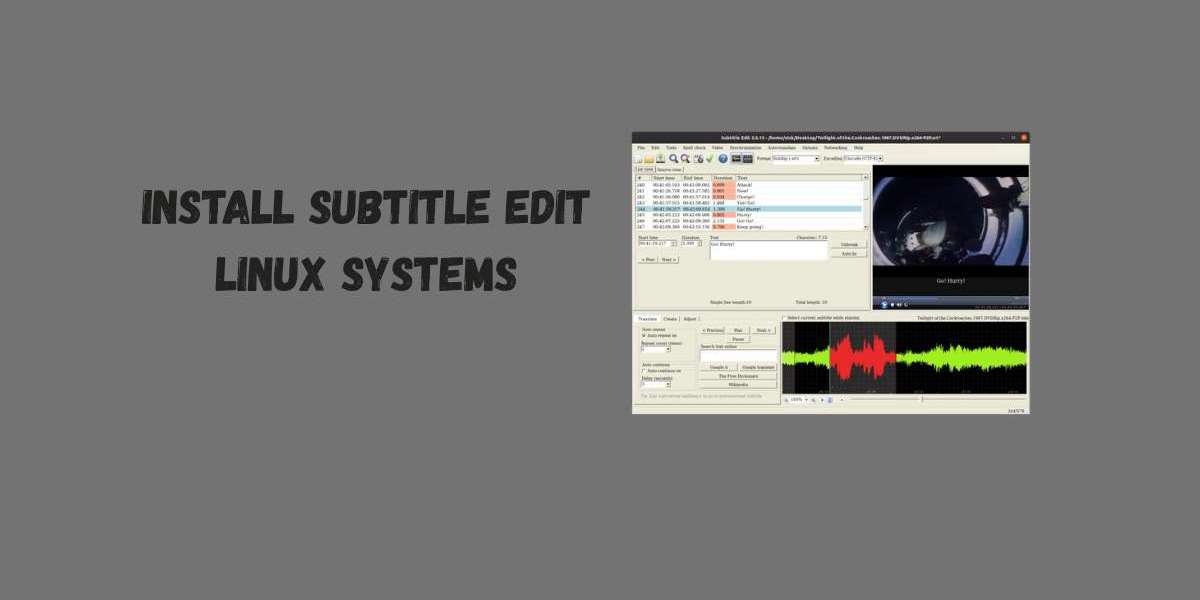
When it comes to editing and managing subtitles, Subtitle Edit is one of the most powerful open source tools available. While Windows users have a straightforward installer, getting Subtitle Edit to run on Linux systems requires a little more setup. The good news? With a few commands and dependencies, you can easily install it and start editing subtitles without hassle.
Preparing Linux for Subtitle Edit
Before installation, make sure your Linux system is up to date. Run:
sudo apt update && sudo apt upgrade -y
You’ll also need Mono, since Subtitle Edit is built on .NET and requires this framework to run properly on Linux.
Install Mono using:
sudo apt install mono complete -y
Installing Subtitle Edit on Linux
- Download the Latest Release
Visit the official Subtitle Edit GitHub page and download the latest .zip package. - Extract Files
Unzip the package into a folder of your choice, for example ~/subtitleedit/.
Run Subtitle Edit
Navigate into the folder and start the program with:
mono SubtitleEdit.exe
- Create a Shortcut (Optional)
To make it easier, you can create a desktop launcher or alias to run Subtitle Edit without typing the full path every time.
Troubleshooting Tips
- If Subtitle Edit doesn’t start, ensure that Mono is correctly installed.
- Some distributions may require extra libraries, such as libgdiplus. Install them with:
sudo apt install libgdiplus
Conclusion
Setting up Subtitle Edit on Linux systems may take a few extra steps, but once it’s running, you get access to a full featured subtitle editor without needing Windows. From translation to synchronization, Subtitle Edit brings professional subtitle editing power directly to Linux users.


